

Official Kirabet app guide for players in the Maldives · casino, live tables and sports betting on your phone
Published by Kirabet. This page is part of Kirabet’s official player guide for the Maldives. It explains where the Kirabet download comes from on each platform, how to install the Kirabet app on an iPhone or an Android phone, how to check that the app you installed is the official one, and when the Kirabet mobile site is the better choice.
The app, the mobile site and the desktop site all use the same account and the same balance. A bet placed in the Kirabet app appears in your history on the website, and a deposit made in a browser is available in the app. Nothing on this page asks you to open a second account.
Screens from the Kirabet app as it looks on a phone. Game and promotion names change over time; the layout is what matters.
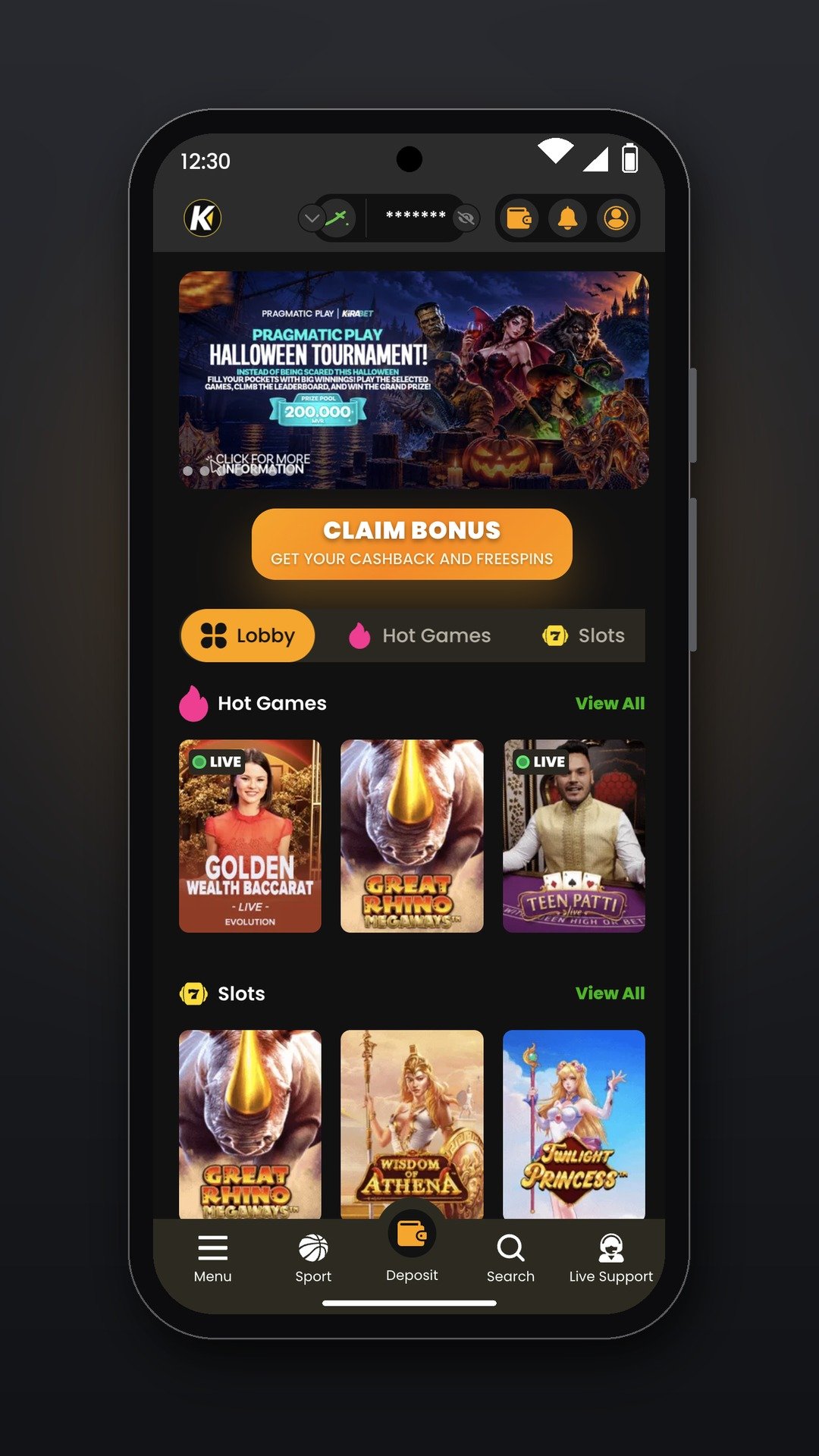
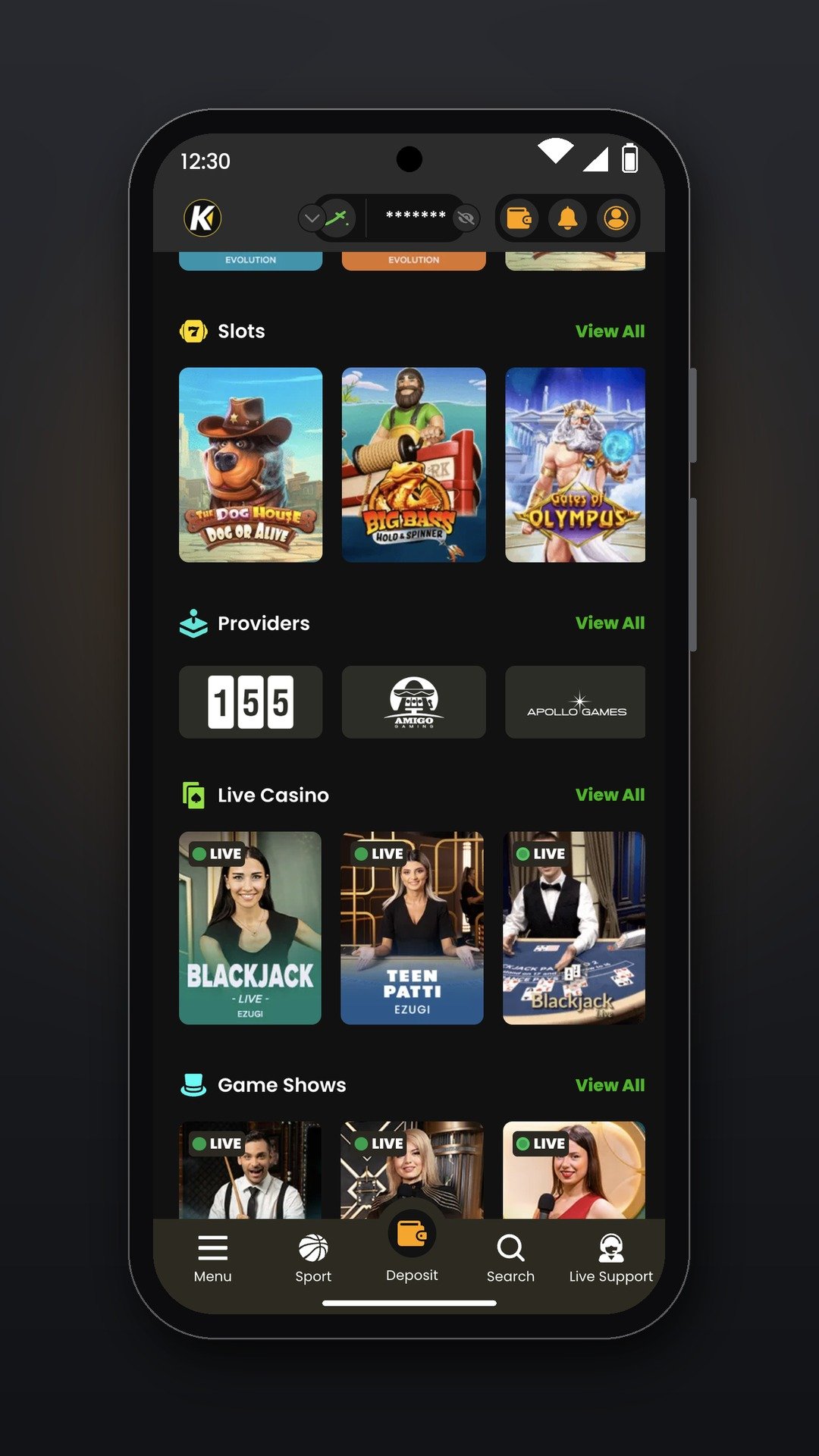
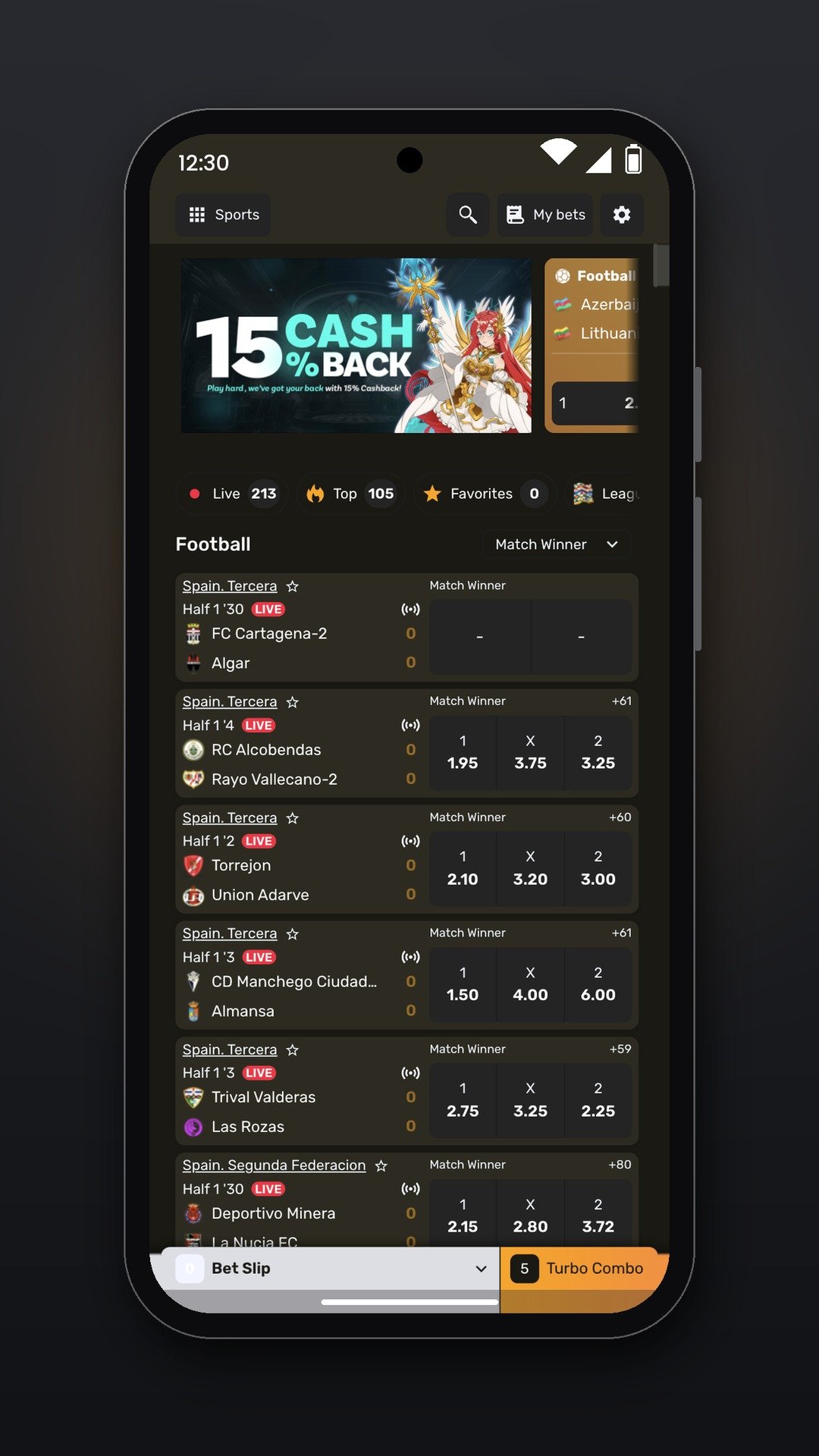
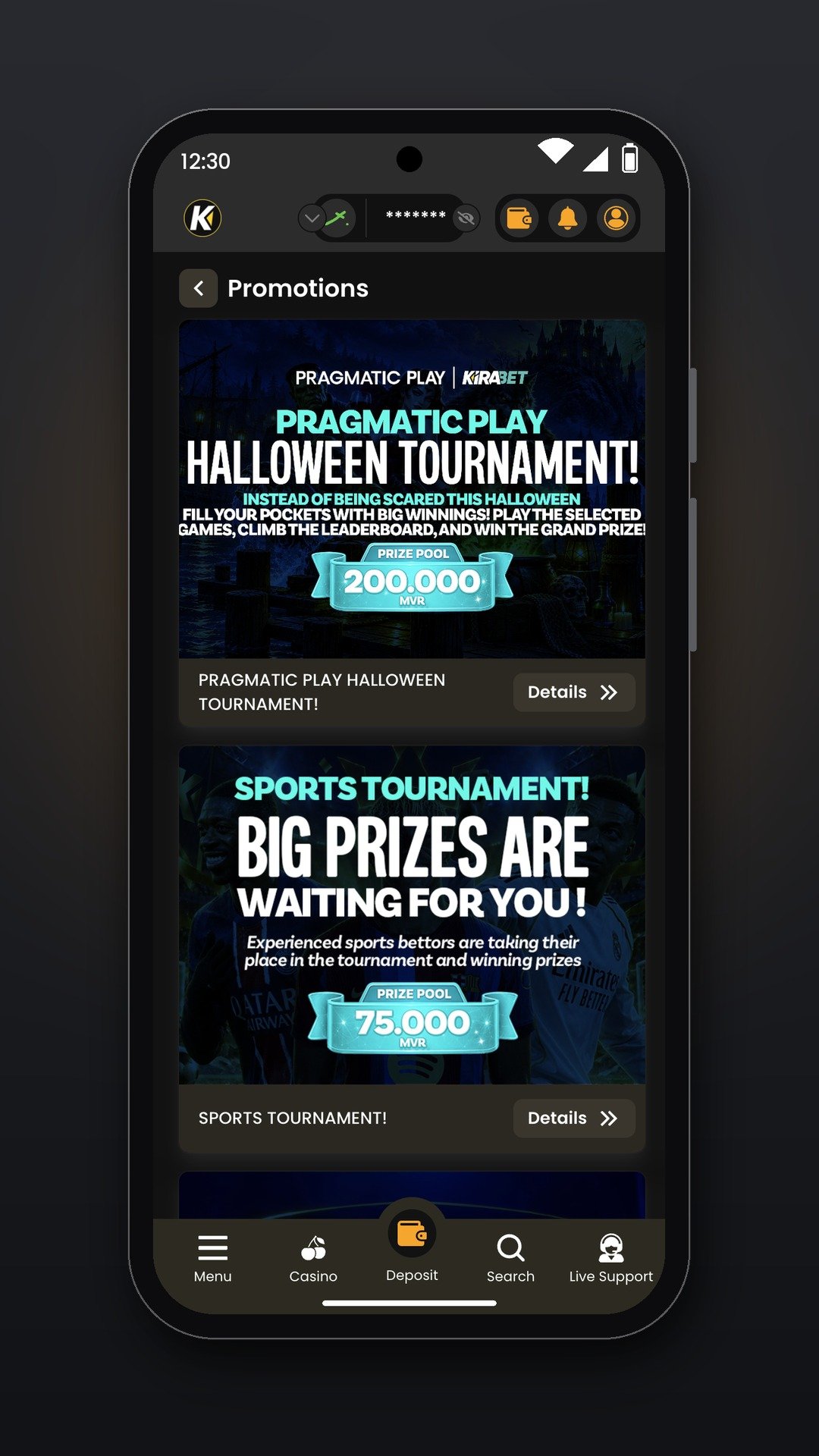
The Kirabet app is the same product as the website, arranged for a phone screen. Everything below is also available in a browser; the app simply keeps it one tap from the home screen.
For how deposits and withdrawals work, see the deposits guide and the withdrawals guide. For the games themselves, start at the casino hub or the betting hub.
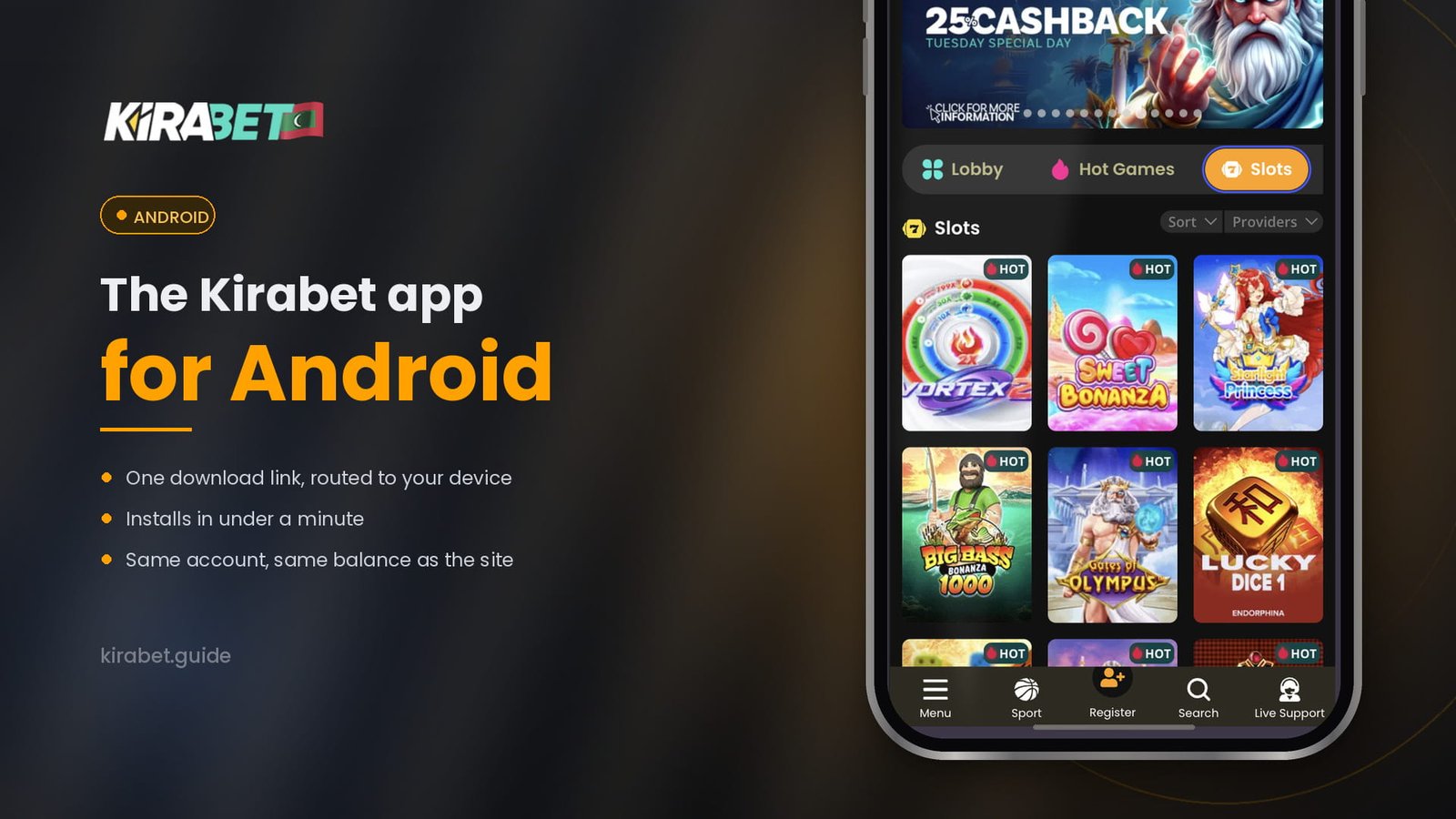
Kirabet publishes the Android app in two forms: a Google Play listing and a direct Kirabet APK downloaded from the Kirabet website. Both are free and open the same account. Google Play lists real-money betting apps only in some countries, so the listing may not appear on every phone in the Maldives; where it does not, the APK is Kirabet’s own route, not a workaround.
Open the official download link on the phone you will play on. If it opens Google Play, install from there. If it offers the APK, install that; Android will ask once to allow installs from your browser, which is normal for any app outside Play. Full steps, the permission explained and troubleshooting are on the Kirabet app for Android page.
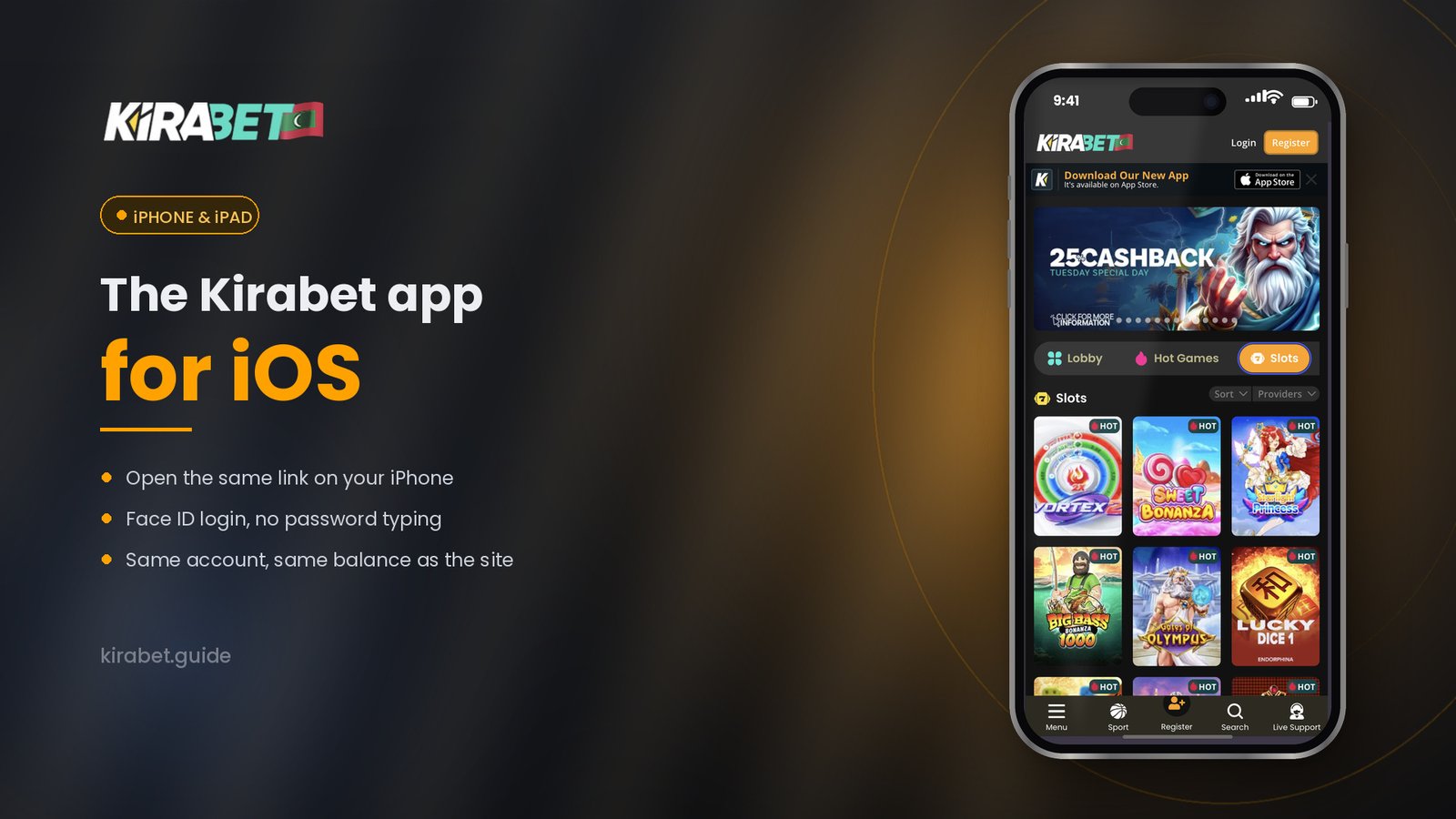
On iPhone the Kirabet app is distributed through the App Store. Kirabet’s own site shows the “Download on the App Store” badge, which is the route this guide follows.
The minimum iOS version, the app size and iPad support are shown on the App Store listing under Information and Compatibility. We will repeat the current values on the Kirabet app for iPhone page once they have been checked against the live listing.
The Kirabet app is built for phones. Open the official link on an iPhone and it goes to the App Store; open it on an Android phone and it goes to the Android version. Open it on a laptop or desktop and it simply returns you to the website, because there is no desktop app and none is needed: the full site works in any modern browser.
Betting apps attract copies. A copy can look identical, take your login and send it somewhere else. The checks below take under a minute and remove almost all of that risk.
If you think you installed something that was not genuine: delete it, change your password from a browser on a different device, and contact support from the website rather than from the app.
| Device | Official source | Compatibility | Guide |
|---|---|---|---|
| Android phone | Google Play listing, or the Kirabet APK from the website where Play is not available | Shown on the Google Play listing | Android guide |
| iPhone | The Kirabet download link, which opens the App Store listing | Shown on the App Store listing | iPhone guide |
| iPad | Same App Store listing, if the listing supports iPad | Shown on the App Store listing | iPhone guide |
| Laptop / desktop | No app; the link returns you to the website | Any modern browser | Getting started |
One official link, routed by device. If you are reading this on a computer, open the link on the phone you intend to play on.
Both routes give you the full Kirabet product. The table lists only the differences that hold regardless of device or app version.
| Kirabet mobile site | Kirabet app | |
|---|---|---|
| Installation | None; open the address in a browser | Install once from the official source |
| Where you open it | Browser address bar or bookmark | Icon on the home screen |
| Account and balance | Same account, same balance | Same account, same balance |
| Updates | Automatic; the site is always current | App Store on iPhone; Google Play, or a fresh APK download, on Android |
| Borrowed or shared phone | Works without leaving anything installed | Only where you have installed it |
| Storage used | Browser cache only | App size as shown on the store listing |
Use the mobile site if you prefer not to install anything, or if you are on a device that is not yours. Choose the app if you want Kirabet one tap from the home screen and are happy to keep it updated. Switching between the two costs nothing: it is the same account either way.
Updates come from the same place the app did. On iPhone, open the App Store, go to your account page and check the Available Updates list. On Android, the Google Play version updates on its own; the APK version is updated by opening the official Kirabet download link again on the phone and installing the new file over the old one. Your login and settings are kept.
Do not accept an update offered by a message, a pop-up on another site, or an app you did not install from the official source. If an update prompt looks unusual, close it and open the store or the Kirabet website yourself.
Store availability is set per country. Contact Kirabet support from the website; do not install from a third-party store in the meantime. The mobile site works everywhere the website does.
Check the minimum operating system version on the store listing. If your phone is below it, use the Kirabet mobile site; it is the same account and the same games.
Check free storage and your connection, then start again from the Kirabet website rather than from a file or link you already have. A download that keeps failing is a reason to contact support, not to try another source.
Use exactly the details you use on the website. If you have forgotten them, reset your password from the website first, then sign in to the app. See the login guide.
Yes. There is no charge to install or to use the app. Deposits are the same as on the website, and your mobile data provider may charge for the download itself.
No. The app uses the account you already have on the Kirabet website: the same login, the same balance and the same bet history.
Both. Kirabet publishes a Google Play listing and a direct APK from the Kirabet website. Google Play limits real-money betting apps by country, so on many phones in the Maldives the APK is the route that works. Both are official, free and open the same account. Steps for each are on the Android page.
Kirabet’s website shows the App Store badge for the iPhone app. If the listing does not open from the Maldives on your device, contact Kirabet support from the website; store availability is set per country and support can confirm the current position.
Start from the Kirabet website, check that the store listing name and developer match what Kirabet publishes, and never install a file that arrived by message. After signing in, your balance and history should match the website.
On iPhone, through the App Store. On Android, the Google Play version updates on its own; the APK version is updated by downloading the new file from the Kirabet website and installing it over the old one. Never update from a link in a message.
Check free storage, your connection and the minimum operating system version on the listing, then try again from the Kirabet website. If it still fails, use the mobile site and contact support.
An app on the home screen makes it easier to play more often than you meant to. A 7-day cooling-off period and self-exclusion are available on request from Kirabet Live Support; our responsible gambling page explains how. Betting is for adults only and should never be treated as a way to make money.