

Official Kirabet guide for players in the Maldives · two ways to install, one account
Published by Kirabet. This page is the Android part of Kirabet’s official player guide. It covers the two official ways to get the Kirabet Android app — the Google Play listing and the direct Kirabet APK — which one to use, how to install each, what the one Android permission the APK asks for actually does, and how to be sure the file on your phone is the genuine Kirabet app download.
Whichever route you take, it is the same app and the same account as the website. A deposit made in a browser is in the app; a bet placed in the app is in your history on the site.
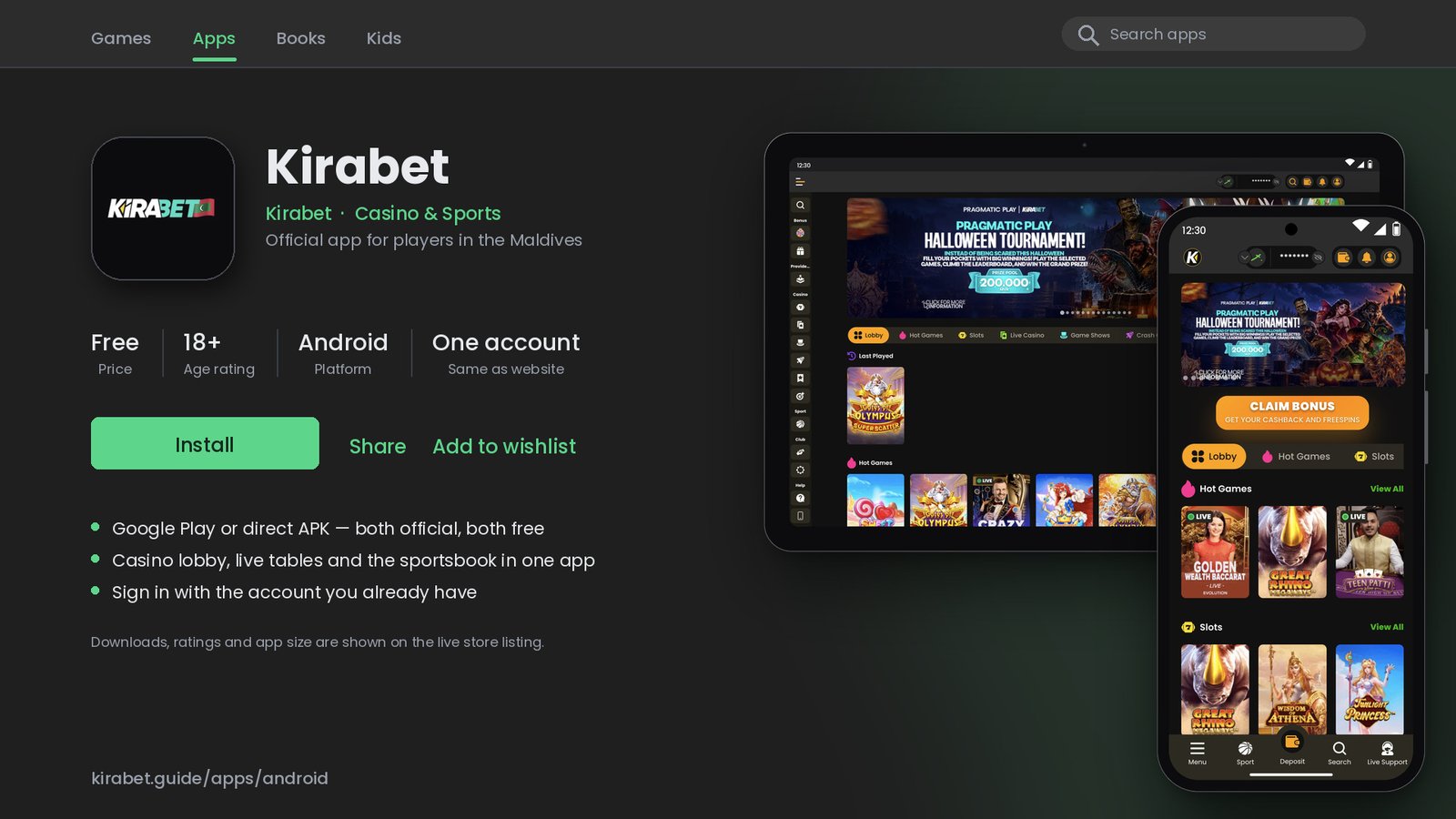
The Kirabet app on an Android phone: home, casino lobby, promotions and the sportsbook with live markets. Game and promotion names change over time; the layout is what matters.
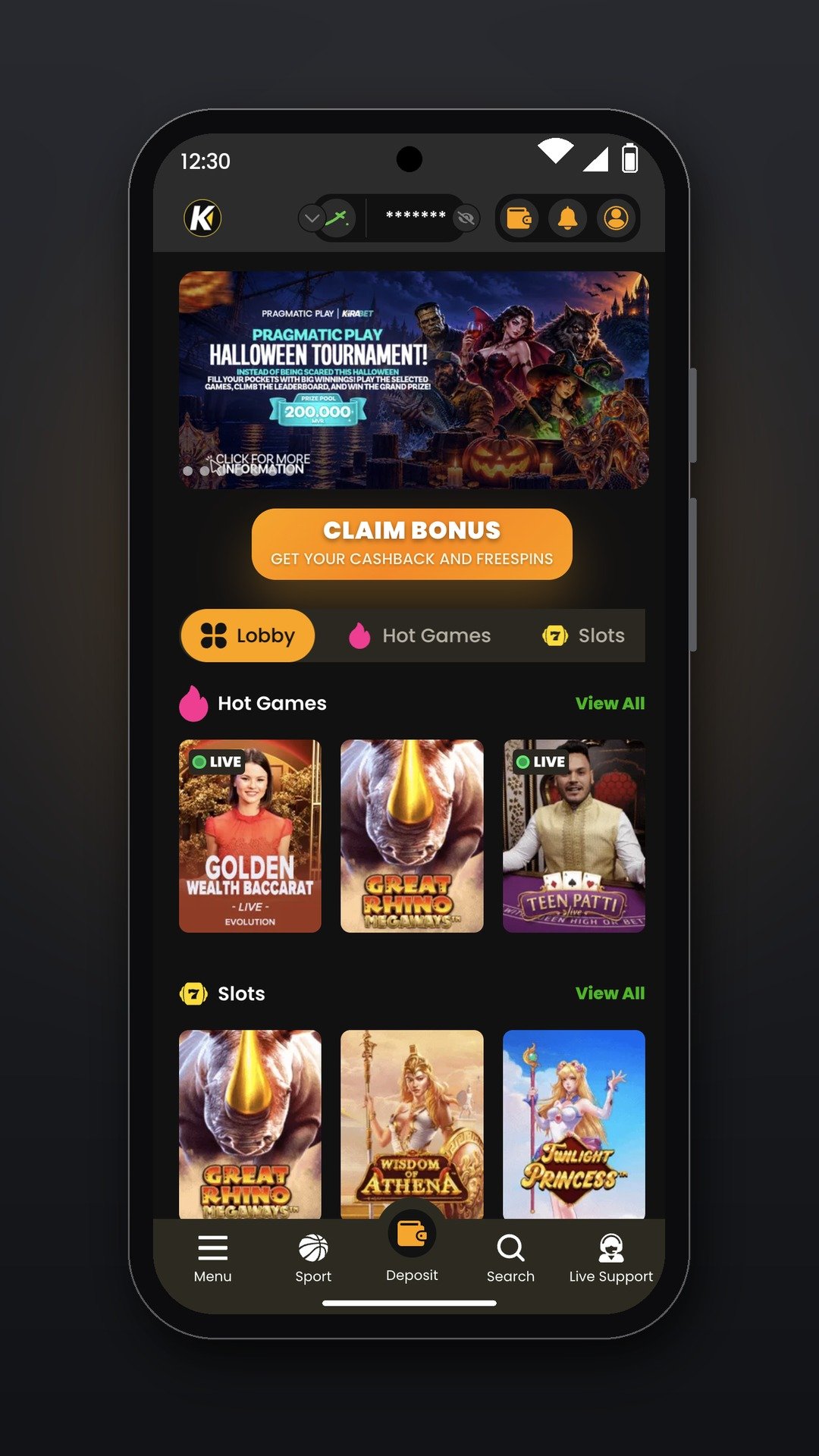
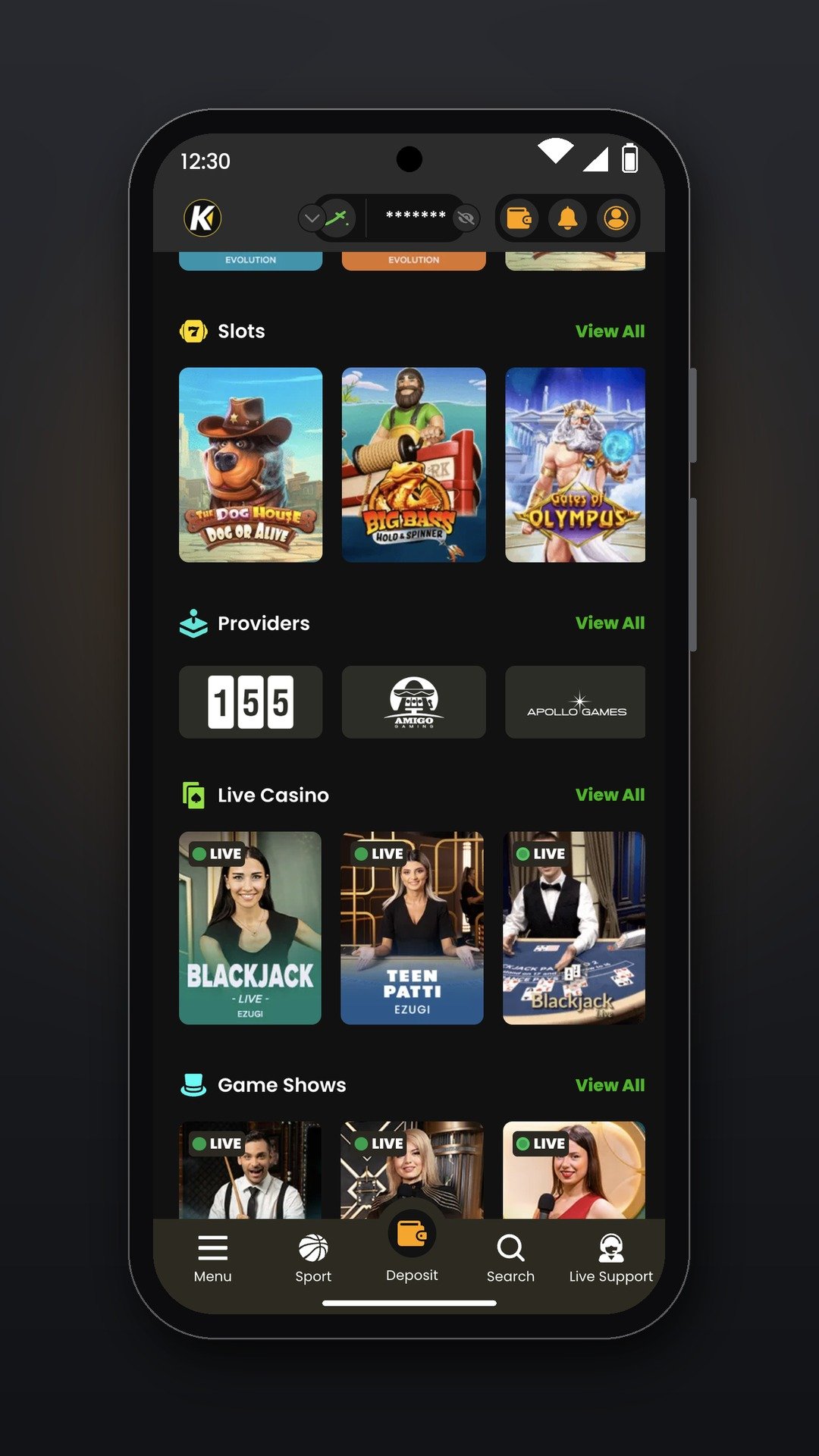
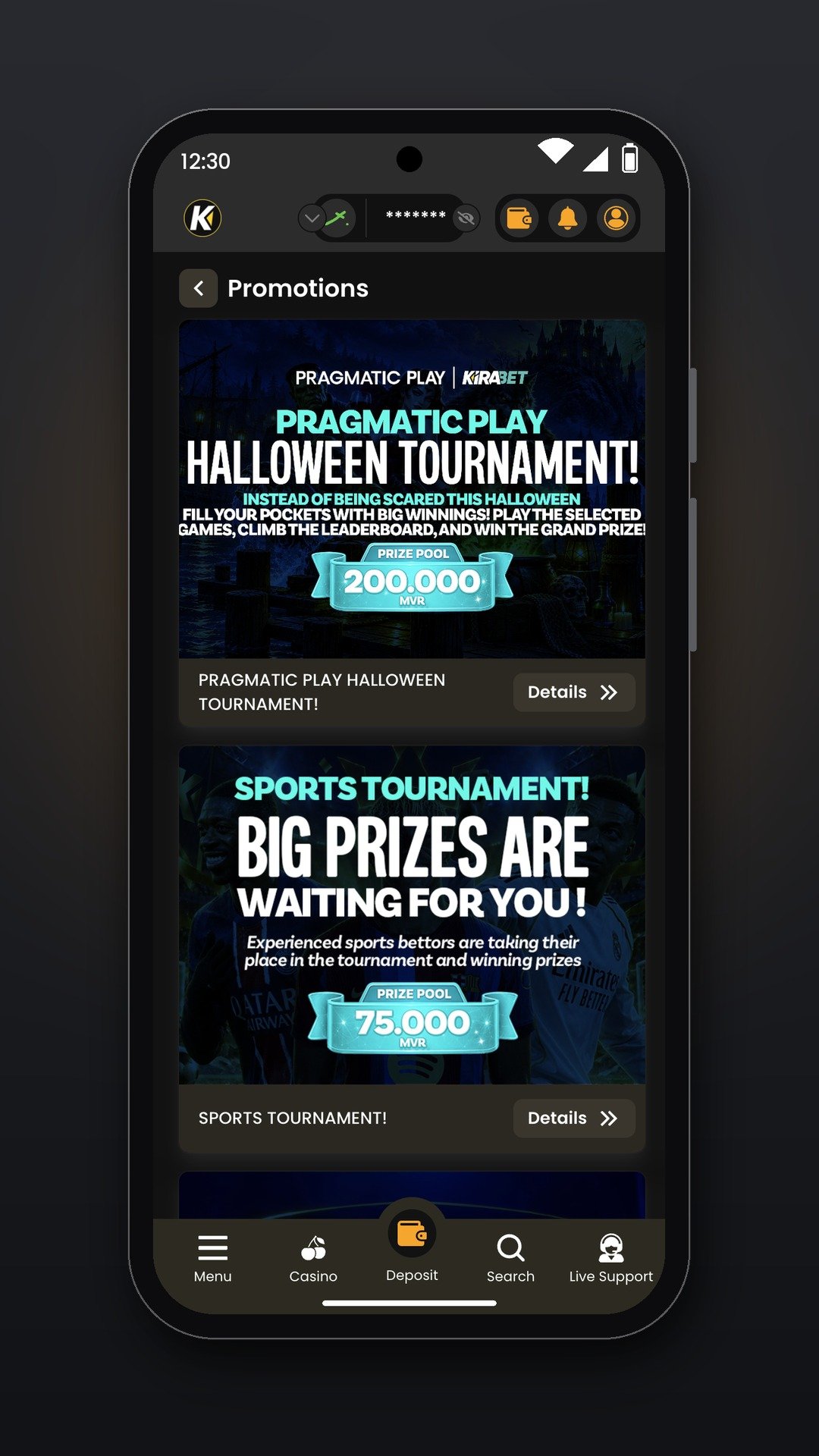
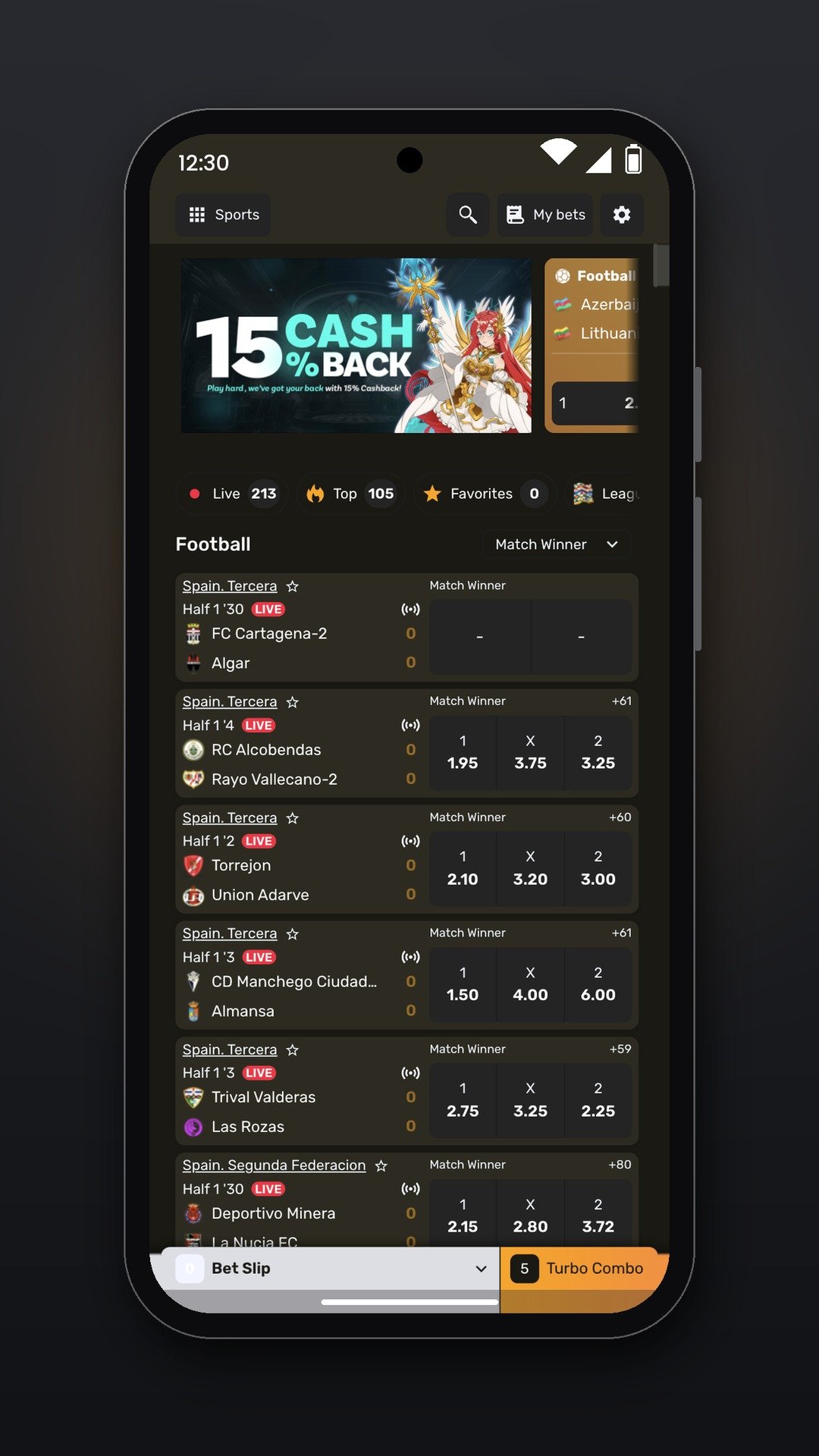
Kirabet publishes the Android app in two forms. Both come from Kirabet, both are free, and both open the same account. The difference is only in how the file reaches your phone.
Which one should you use? Open the official Kirabet download link on your phone. If it takes you to a Google Play listing, use that. If it offers the APK instead, use the APK: that is Kirabet’s own route for phones where the Play listing is not available, not a workaround.
If Google Play says the item is not available in your country, you have not done anything wrong. Go back to the Kirabet site and use the APK route below.
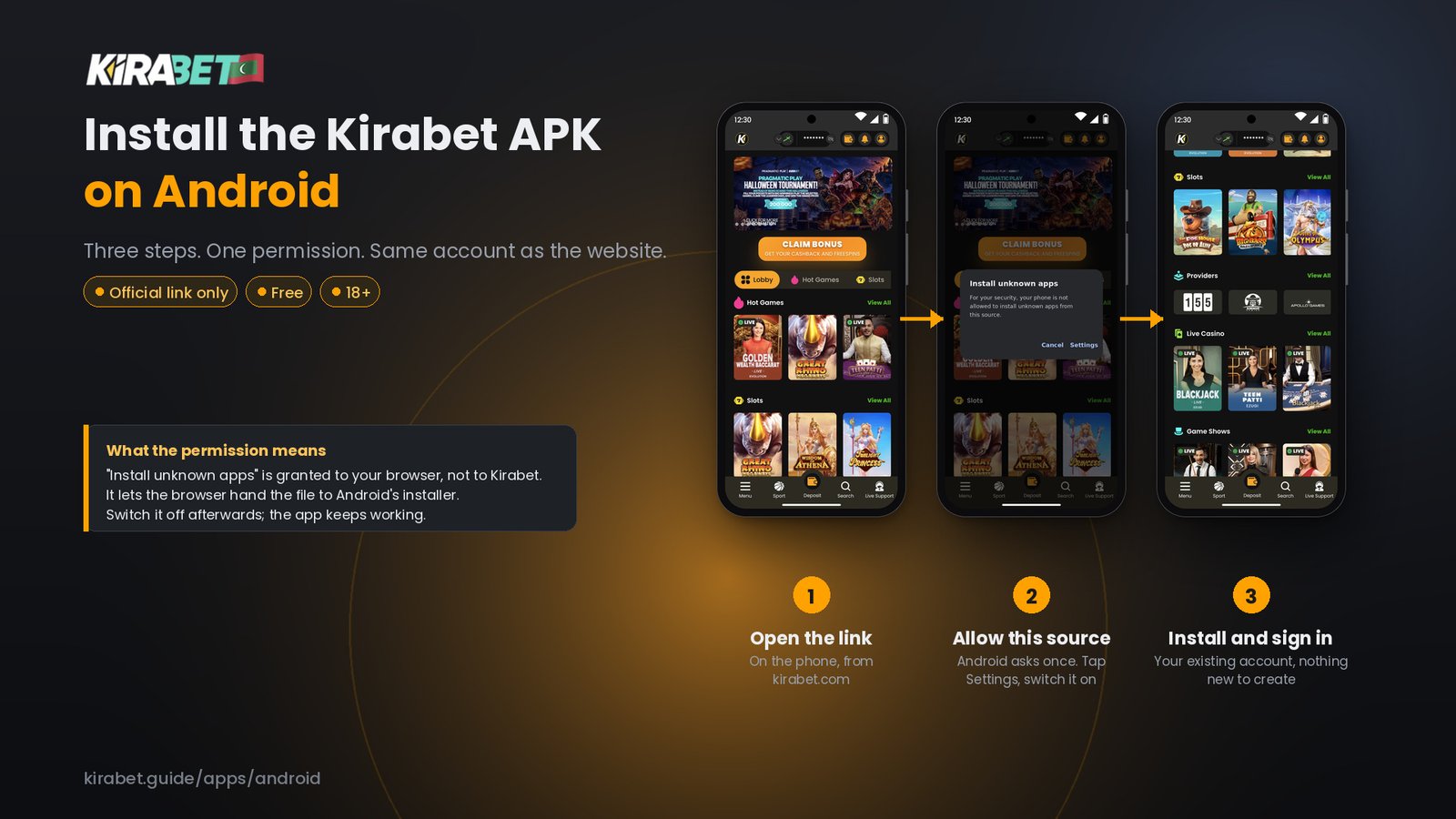
An APK is simply the Android app file delivered outside Google Play. Android treats every such file the same way, from any publisher: it asks you once to allow installs from the app you downloaded it with, usually Chrome. That prompt is normal and is not a warning about Kirabet.
“Install unknown apps” is granted to the browser, not to Kirabet. It lets that browser hand an APK to the Android installer. It does not give the Kirabet app any extra access to your phone, and turning it off afterwards changes nothing in the app. If an installer asks for anything beyond this one switch, stop: that is not the official Kirabet APK.
Updates arrive through Play. Leave auto-update on, or open Play, go to Manage apps & device and update from there. Nothing to download by hand.
Updates do not arrive on their own. When the app tells you a new version is available, or when the website announces one, open the official Kirabet download link again on the phone and install the new APK over the old one. Your login and settings are kept.
Never update from a link in a message, a pop-up on another site, or an app you did not install from the official source. If an update prompt looks unusual, close it and open the Kirabet website yourself.
Copies of betting apps are common and a copy of the Kirabet app would look identical on the surface. These checks take a minute.
Play restricts betting apps by country. This is expected on many phones in the Maldives. Use the APK route from the Kirabet website; it is the official alternative, not a second-best.
Usually a damaged download or not enough storage. Delete the file, free up space and download again from the Kirabet site. If an older version is installed from a different source, uninstall it first.
Play Protect flags apps that did not come through Play, including genuine ones. If you downloaded the file from the Kirabet website on this phone, choose Install anyway. If you are not certain where the file came from, do not.
Use exactly the details you use on the website. If you have forgotten them, reset your password from the website first, then sign in to the app. See the login guide.
| Mobile site in Chrome | Kirabet Android app | |
|---|---|---|
| Installation | None | Google Play, or APK with one permission |
| Updates | Automatic | Automatic via Play; manual via APK |
| Where you open it | Address bar or bookmark | Icon on the home screen |
| Account and balance | Same | Same |
| Shared or borrowed phone | Nothing left installed | Only where you installed it |
If you cannot or do not want to install anything, the Kirabet mobile site gives you the same account and the same games. The app is a convenience, not a requirement.
Yes. Kirabet publishes a Google Play listing. Because Play limits real-money betting apps by country, the listing may not be visible on every phone in the Maldives; where it is not, the APK from the Kirabet website is the official route.
Only from the official download link on the Kirabet website, opened on the Android phone you will play on. Kirabet does not distribute the APK through third-party APK sites, messages or groups.
The APK from the Kirabet website is the same app as the Play version. The risk is a copy from somewhere else. Download only from the site, expect exactly one permission prompt, and check that your balance matches the website after signing in.
Android shows that for any app file that does not come through Google Play, from any publisher. It grants the browser permission to hand the file to the installer. You can switch it off again after installing; the app keeps working.
No. Sign in with the account you already use on the Kirabet website. Balance, bet history and bonus progress are the same.
Open the official download link again on the phone and install the new file over the old one. Your login is kept. The Play version updates on its own.
Yes. The app installs on Android tablets the same way, and the mobile site works in any tablet browser.
An app on the home screen makes it easier to play more often than you meant to. A 7-day cooling-off period and self-exclusion are available on request from Kirabet Live Support; our responsible gambling page explains how. Betting is for adults only and should never be treated as a way to make money.